May 30, 2018

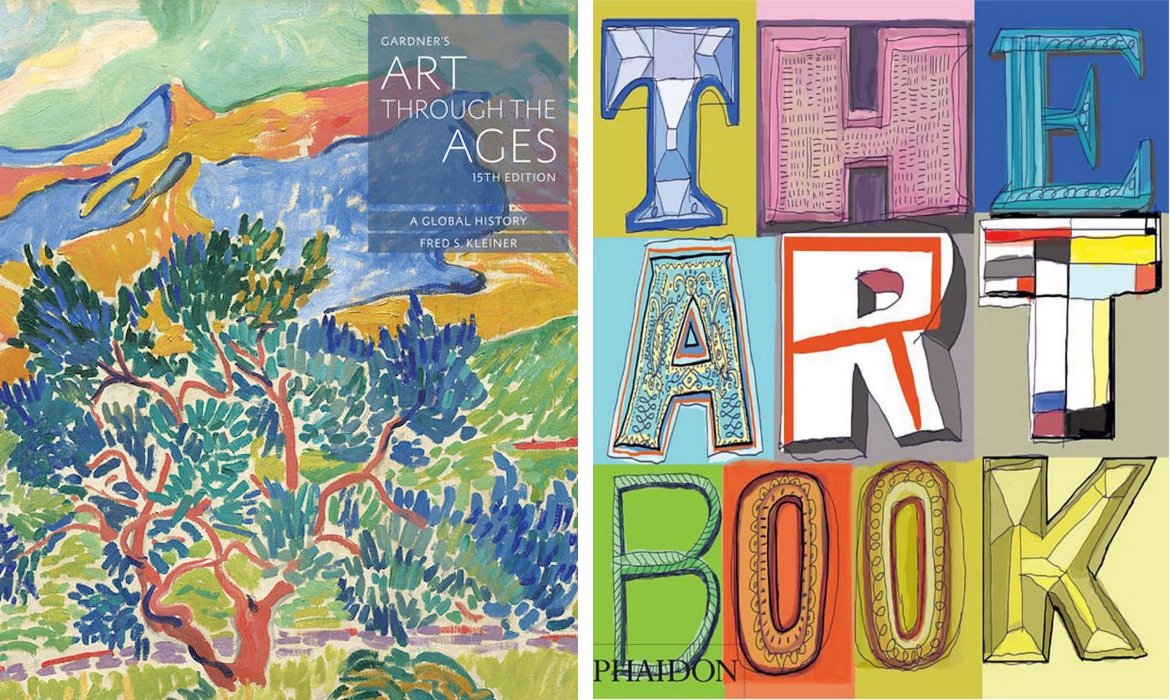
12 Essential Art History Books for Beginners

Art history can be intimidating. Seemingly composed of countless movements, mediums, artists, and styles, diving into the study may seem daunting. However, with the right book collection, you'll realize that an understanding of art history is not only possible but surprisingly attainable. After all, as Ralph Waldo Emerson famously claimed, “every artist was first an amateur.


Read Article


May 28, 2018

Interview: Sandro Miller and John Malkovich Go Inside the Mind of David Lynch

For over 40 years, photographer Sandro Miller has been a heralded figure in the photography world. Clients like Reebok, NBC, Motorola, and Coca-Cola all turn to him for his inspired work as a commercial photographer. But it's his personal, creative projects that have attracted international attention. Working with longtime collaborator John Malkovich, his Malkovich, Malkovich, Malkovich: Homage to Photographic Masters was an international sensation.


Read Article


May 26, 2018

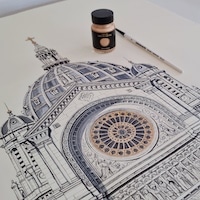
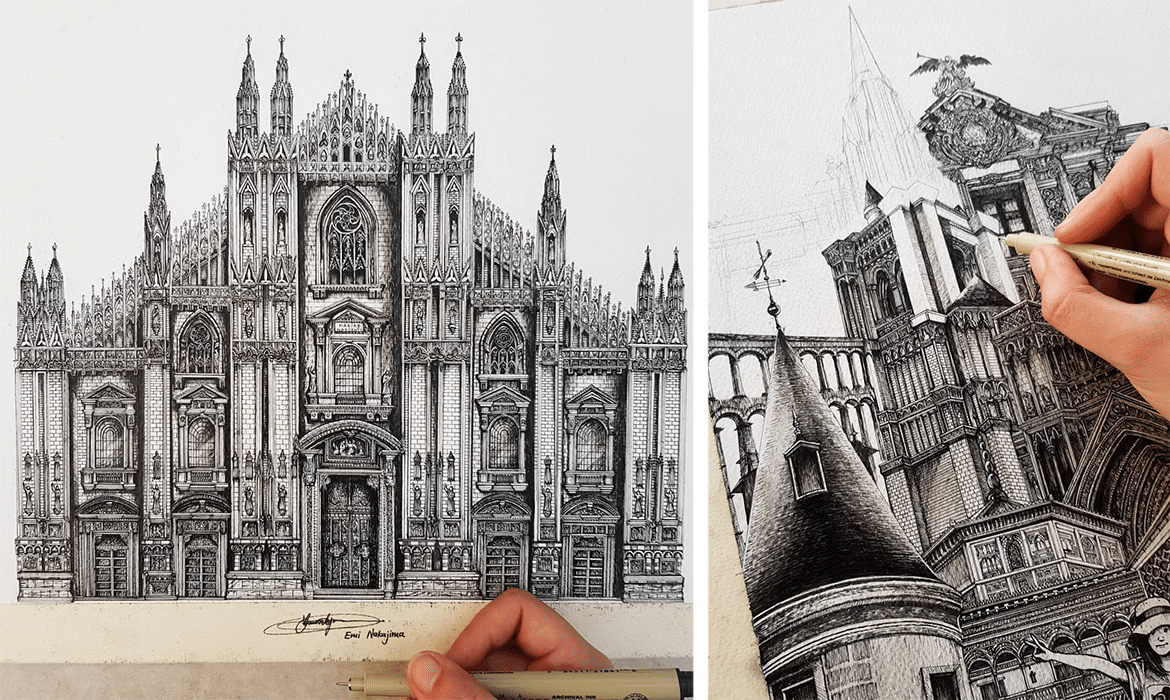
Artist Creates Meticulously Detailed Ink Drawings of Architecture Around the World

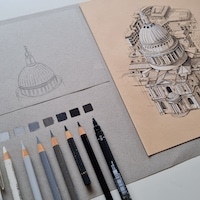
Thailand-based Japanese artist and self-described “dream traveler” Emi Nakajima crafts intricate drawings of buildings around the world. Rendered in ink, each piece conveys Nakajima's knack for realistically reproducing an array of architectural details. Nakajima's awe-inspiring works of art showcase a range of destinations across the globe. She appears to have a preference for churches, from the Gothic cathedrals of France and Italy to Spain's celebrated Sagrada Família.

Read Article


May 25, 2018

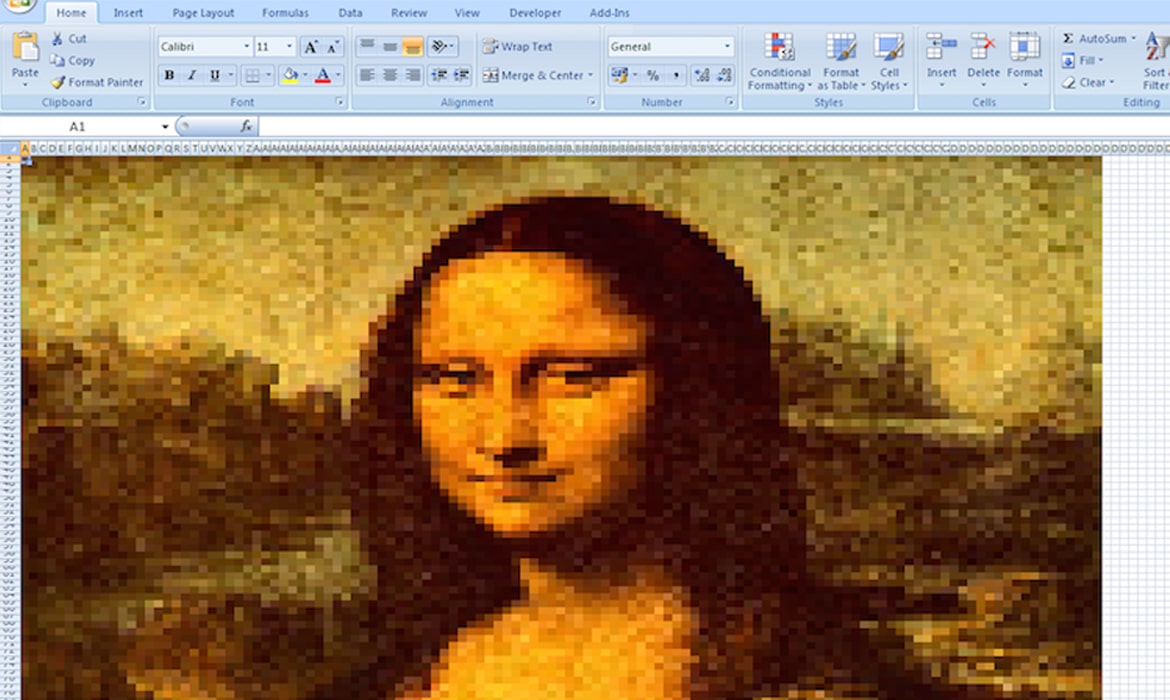
How to Create Your Own Masterpiece on a Microsoft Excel Spreadsheet

How to Create Your Own Excel Art Step one: Select a reference image for tracing. In this case, we’re using the My Modern Met logo. (Check out our list of websites for free stock photos for inspiration). Step two: Go to “Page Layout” -> “Background” and select your image. Step three: Select the entire spreadsheet, right-click and adjust the row height and column width into smaller cells. This is where you will add your colors.

Read Article