May 25, 2018
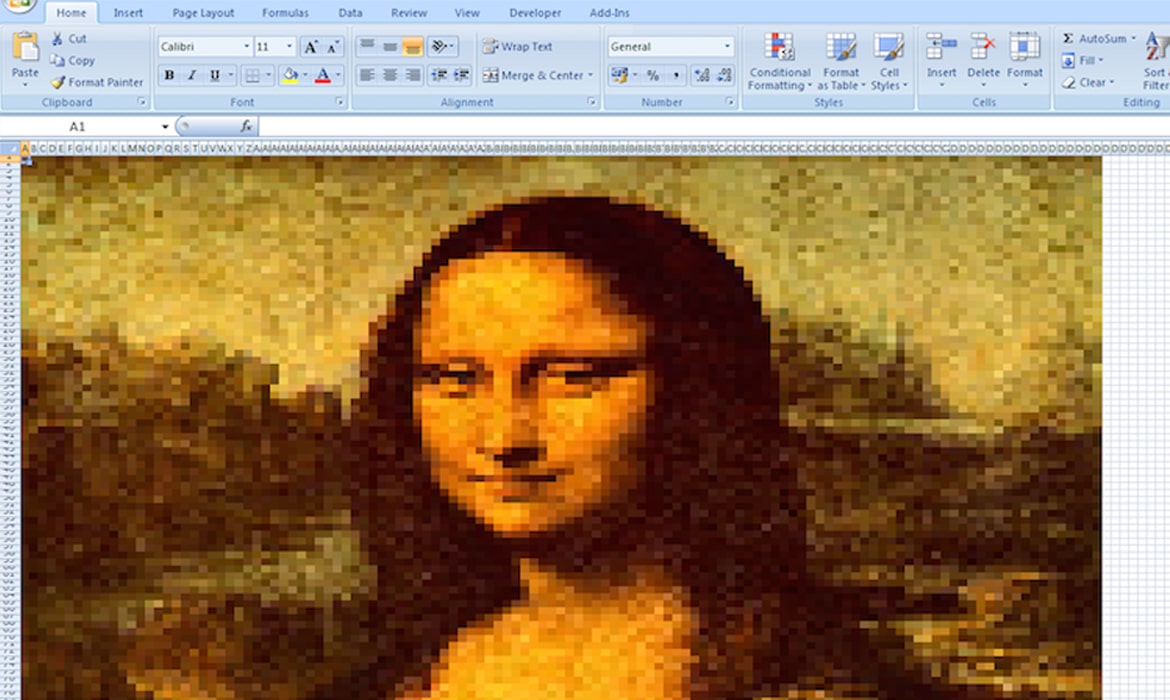
How to Create Your Own Masterpiece on a Microsoft Excel Spreadsheet
How to Create Your Own Excel Art Step one: Select a reference image for tracing. In this case, we’re using the My Modern Met logo. (Check out our list of websites for free stock photos for inspiration). Step two: Go to “Page Layout” -> “Background” and select your image. Step three: Select the entire spreadsheet, right-click and adjust the row height and column width into smaller cells. This is where you will add your colors.